 繁體中文
繁體中文
 Azərbaycan
 English
 हिन्दी
 Indonesia
 Русский (др. страны)
 Русский (Россия)
 Türkçe
 العربية
 简体中文
简体中文
 日本語
日本語
 한국어
한국어
 Қазақ
Қазақ
Subscriptions and paid features allow you to use the service to its full potential by disabling ads and providing access to unique tools.
How to Find the Section
- On the main app screen, tap the Paid Features section (wallet icon).
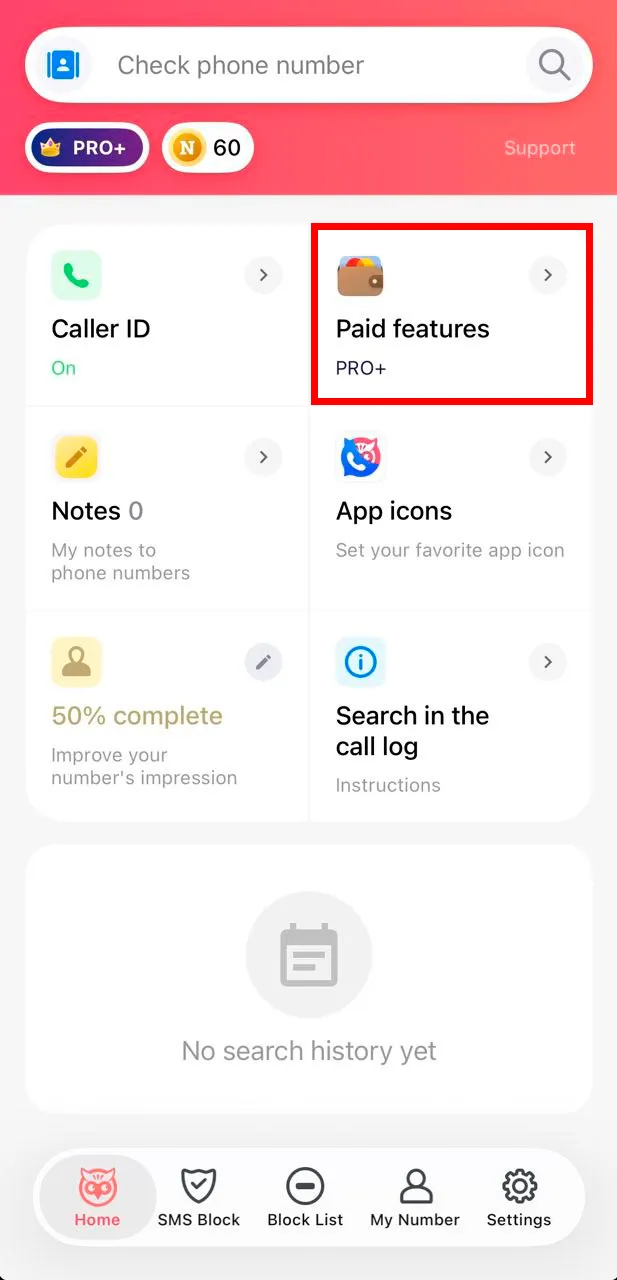
- Select the LIGHT subscription and confirm your agreement with the terms of use.
- Specify a convenient service for the payment and complete the purchase with a bank card.
 功能
功能


 Tariffs
 說明
說明