 Français
 Azərbaycan
 Čeština
 English
 Español
 Ελληνικά
 हिन्दी
 Indonesia
 Italiano
 Português
 Русский (др. страны)
 Русский (Россия)
 Türkçe
 Українська
 العربية
 简体中文
简体中文
 繁體中文
繁體中文
 日本語
日本語
 한국어
한국어
 Қазақ
Қазақ
You can turn off the Caller ID feature at any time without deleting the app. You will still be able to perform a phone number check manually.
Disabling Caller ID in the NumBuster app
- Tap Caller ID Mode on the NumBuster home screen.
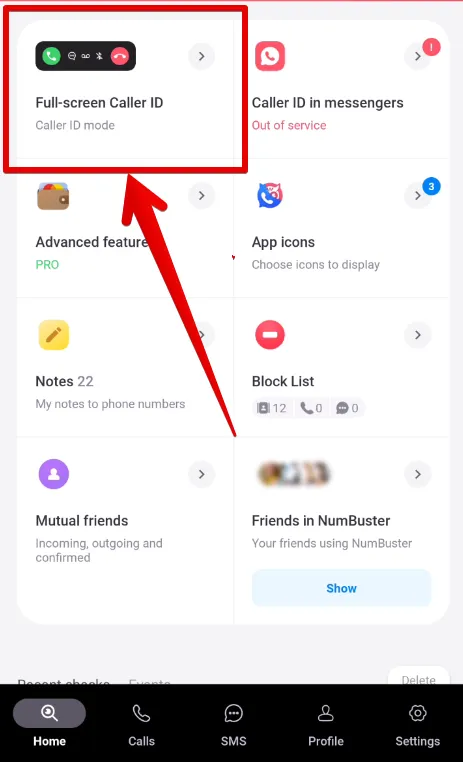
- Swipe through the carousel to find the Disable Caller ID screen.

- Tap Select to confirm.
Disabling via device settings
- Open your device settings and find and go to section Apps.
- Find and go to section Default apps.
- Tap Phone app and select the system default.
 Fonctionnalités


 Tariffs
 Aide
Aide