 Ελληνικά
 Azərbaycan
 Čeština
 English
 Español
 Français
 हिन्दी
 Indonesia
 Italiano
 Português
 Русский (др. страны)
 Русский (Россия)
 Türkçe
 Українська
 العربية
 简体中文
简体中文
 繁體中文
繁體中文
 日本語
日本語
 한국어
한국어
 Қазақ
Қазақ
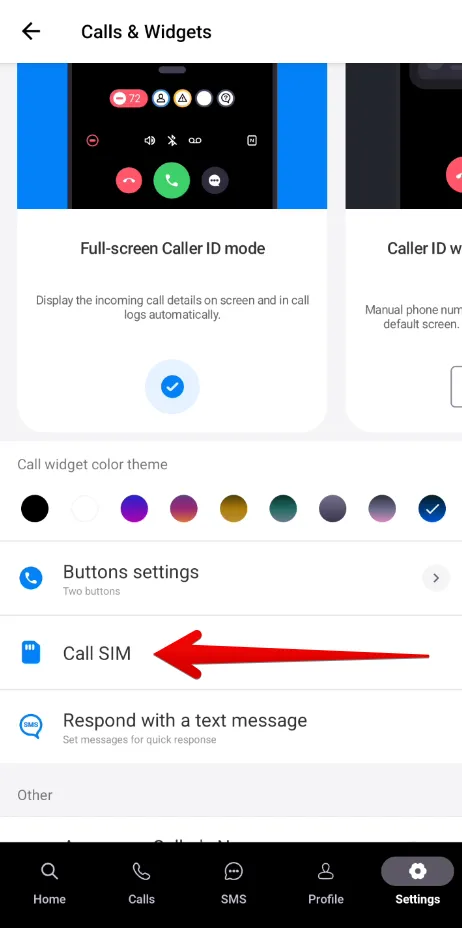
For dual-SIM users, NumBuster offers two options: automatically sending SMS from a single primary phone number or prompting for a SIM card selection before each message is sent.
- From the NumBuster home screen, go to Settings.
- Select Calls and Widgets.
- Tap Phone Number for Calls. In the window that appears, select one of the following options:
- Always ask (The app will prompt you to choose a SIM card every time).
- One of your phone numbers (This specific number will be used automatically for all outgoing SMS).
 Λειτουργίες


 Tariffs
 Βοήθεια