 简体中文
简体中文
 Azərbaycan
 English
 हिन्दी
 Indonesia
 Русский (др. страны)
 Русский (Россия)
 Türkçe
 العربية
 繁體中文
繁體中文
 日本語
日本語
 한국어
한국어
 Қазақ
Қазақ
To use a different phone number in the app, you must log out of your current account and authorize again.
How to Change the Phone Number
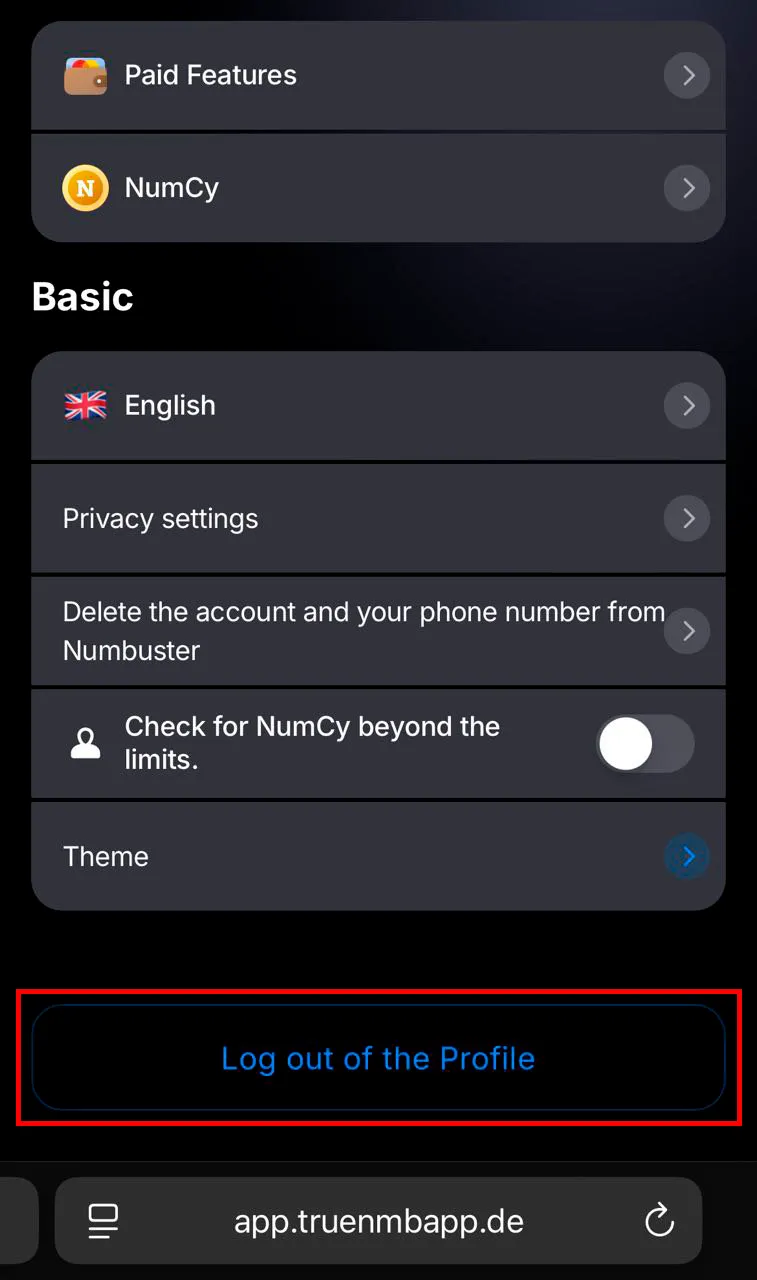
- Open NumBuster Web via the link and find and go to section Settings.
- Click Log Out at the bottom of the menu.
- The quick authorization screen will appear. Choose your preferred method.
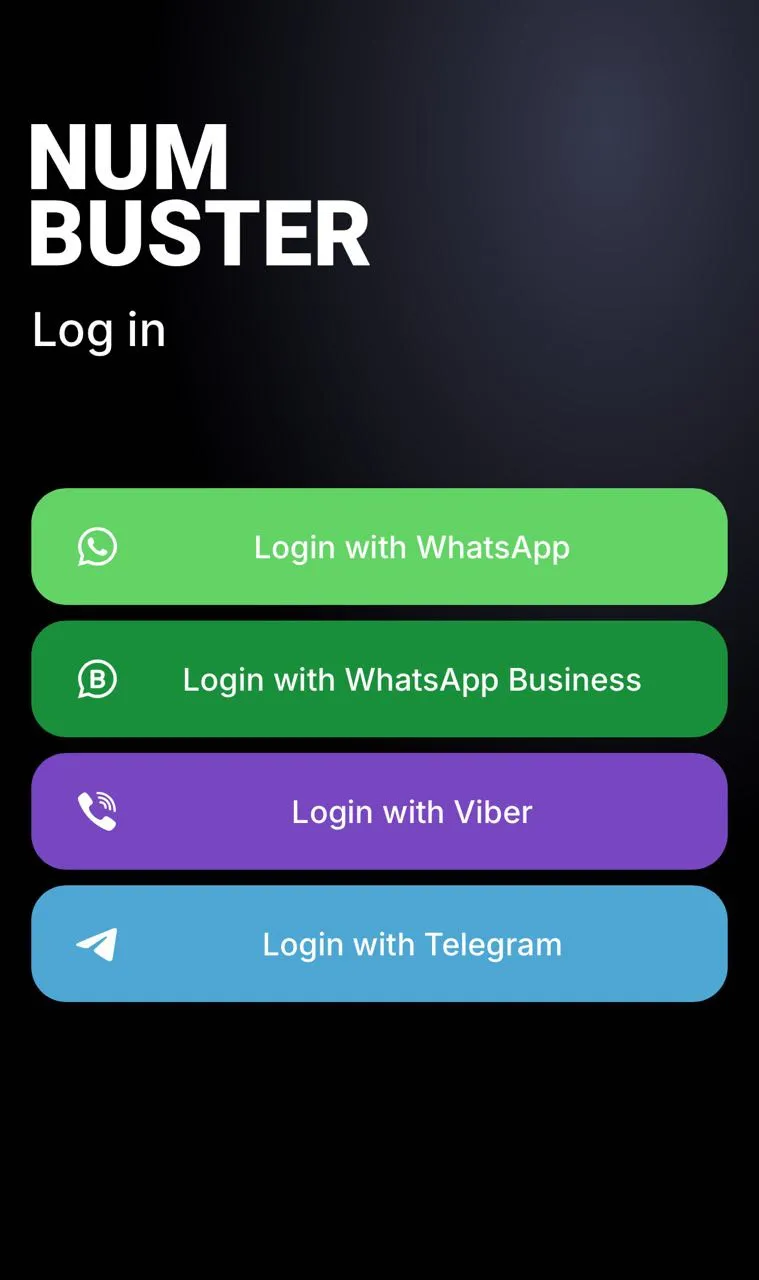
Important! Verify beforehand that the new phone number is already authorized and confirmed in the selected messenger.
❗ The profile associated with the previous phone number is not deleted. To return to it, log out of your account and authorize again.
❗ To transfer NumCy after activating an account with a new phone number, write to NumBuster support. Provide the old and new phone numbers and the exact NumCy balance. Send the message to: m_support@numbuster.com
 功能
功能


 Tariffs
 帮助
帮助