 English
 Azərbaycan
 Čeština
 Español
 Français
 Ελληνικά
 हिन्दी
 Indonesia
 Italiano
 Português
 Русский (др. страны)
 Русский (Россия)
 Türkçe
 Українська
 العربية
 简体中文
简体中文
 繁體中文
繁體中文
 日本語
日本語
 한국어
한국어
 Қазақ
Қазақ
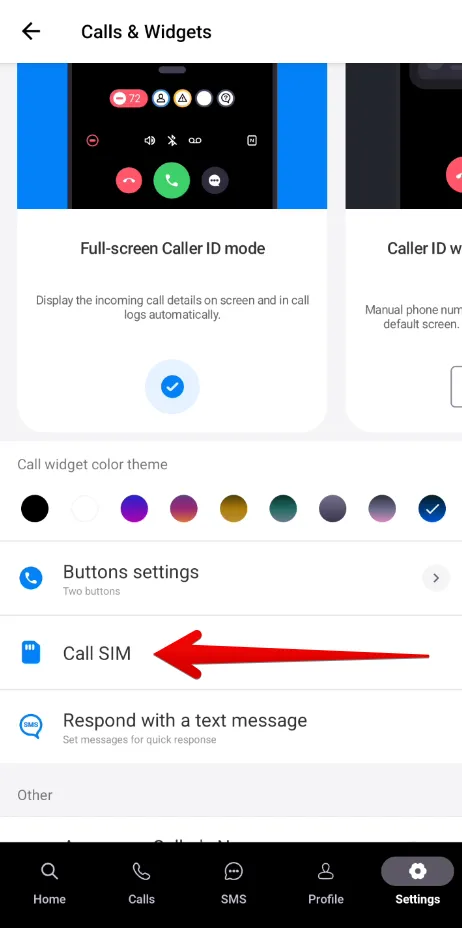
If your Android device has two SIM cards installed, NumBuster allows you to configure the phone number selection for outgoing calls.
How to configure SIM card selection:
- Make sure Full-screen Caller ID mode is active in NumBuster. You can learn how to set up full-screen mode here.
- Tap Settings and go to section Calls & Widgets.
- Tap Number for calls and select a SIM card or the Always ask option in the pop-up window.
Selecting the Always ask option will show a request to choose a SIM card whenever you make a call.
 Functions


 Tariffs
 Help
Help